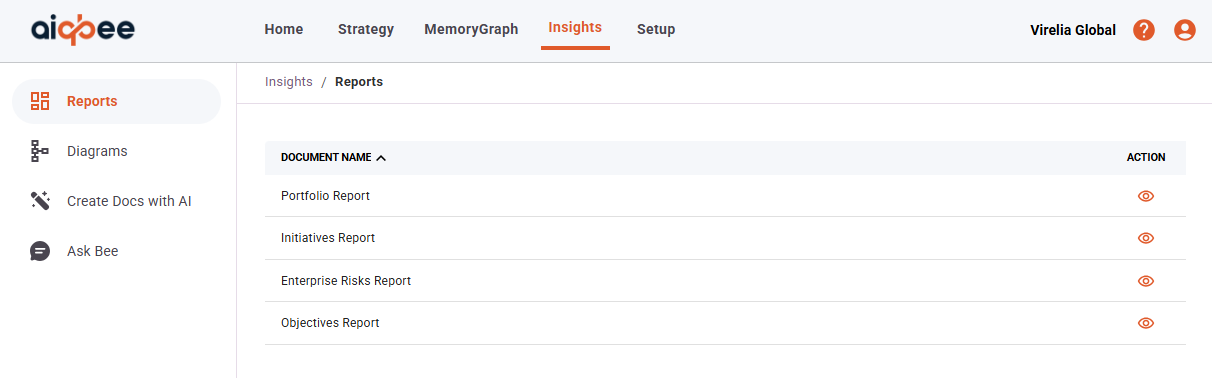
AIQBee provides some canned Reports under the Insights menu and then Reports in the left-hand menu.
There are 4 pre-canned reports:
- Portfolio Report
- Initiatives Report
- Enterprise Risks Report
- Report
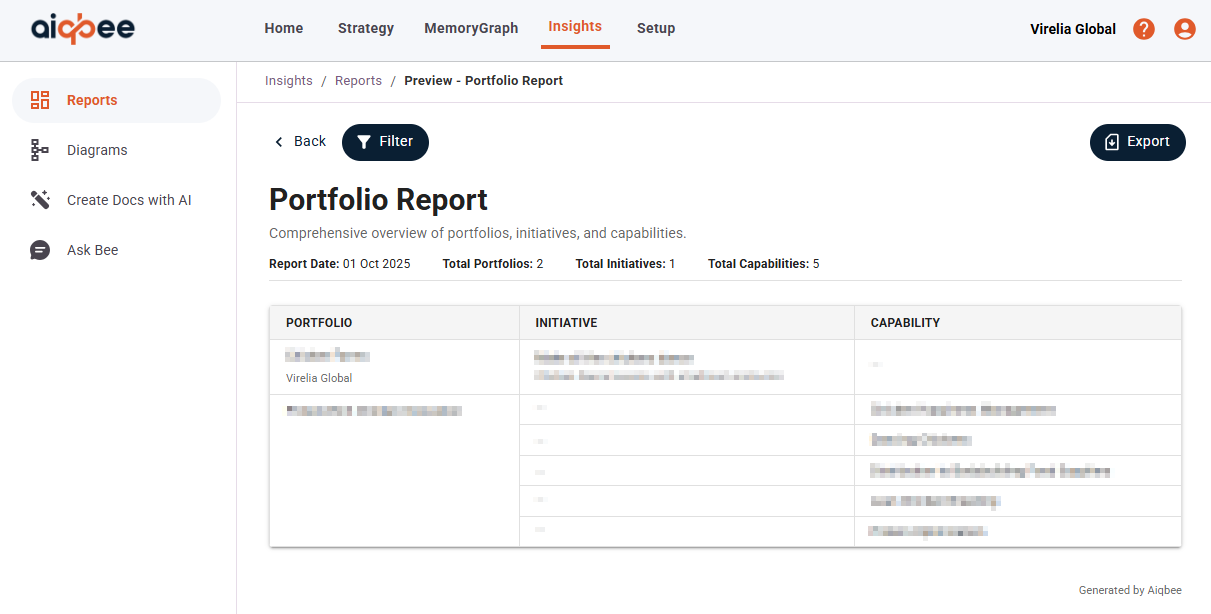
The Portfolio Report provides a table of Portfolios, linked to Organisation Initiatives and Capabilities.
From this view, you can Filter and select Start Date, End Date, Search by Portfolio Name, or Filter to Organisation.
The Export function will allow you to generate a printer friendly version of the report.
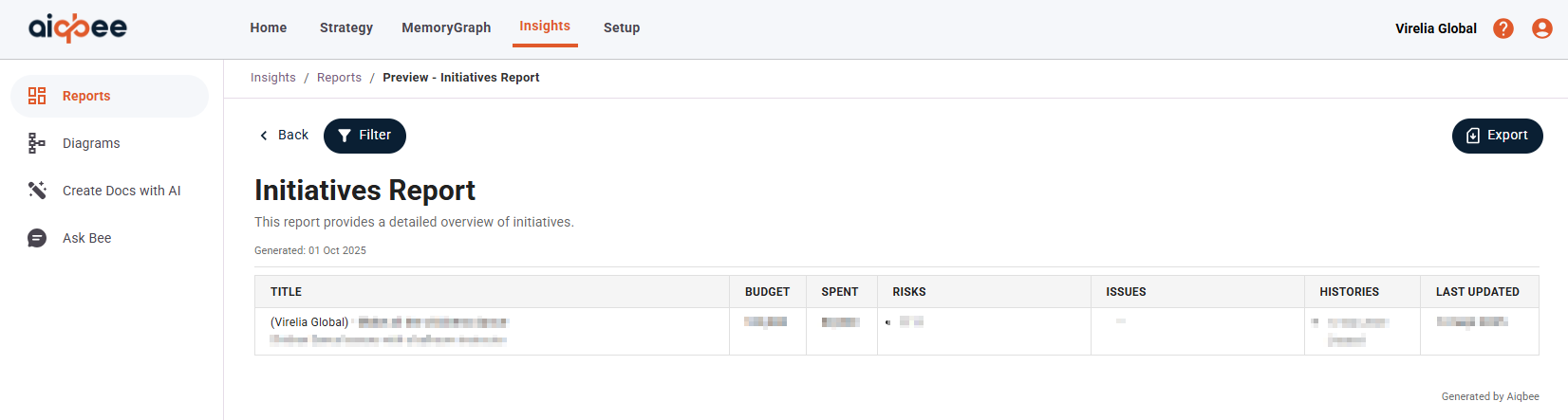
The Initiatives Report provides a table of Initiatives, showing Budget, Spend, Risks, Issues and Last update status
From this view, you can Filter and select Start Date, End Date, Search by Initiative Name, Filter to Organisation and the Initiative State.
The Export function will allow you to generate a printer friendly version of the report.
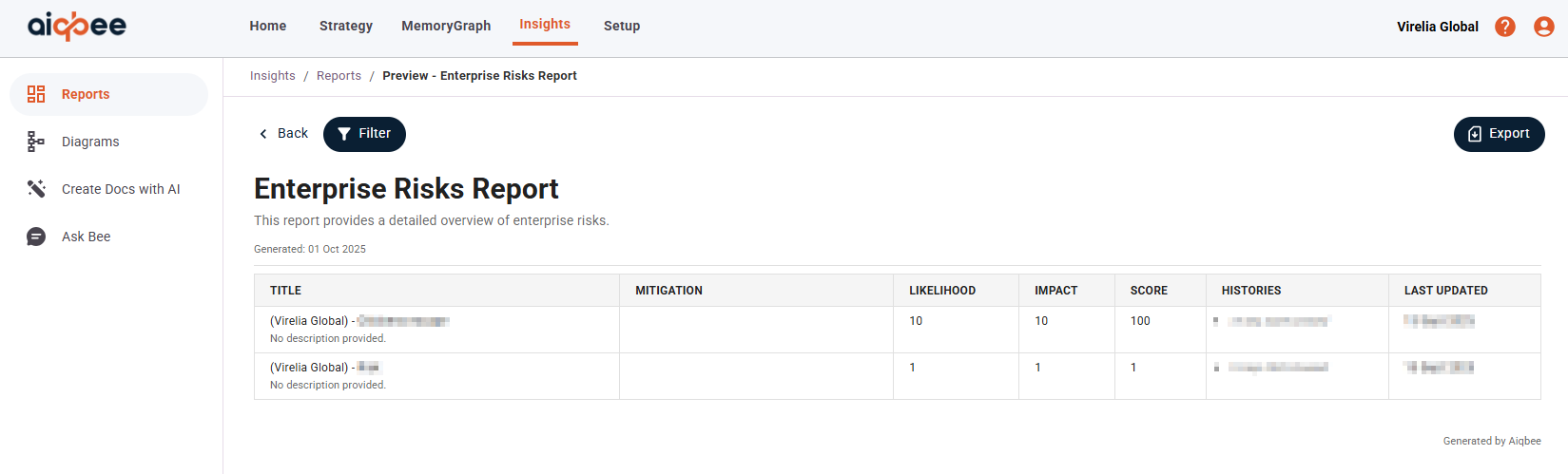
The Enterprise Risks Report provides a table of Enterprise Risks, showing Title, Mitigation (if any), Likelihood, Impact, Scoring and Update History.
From this view, you can Filter and select Start Date, End Date, Search by Risk Name, Filter to Organisation and the Risk State.
The Export function will allow you to generate a printer friendly version of the report.
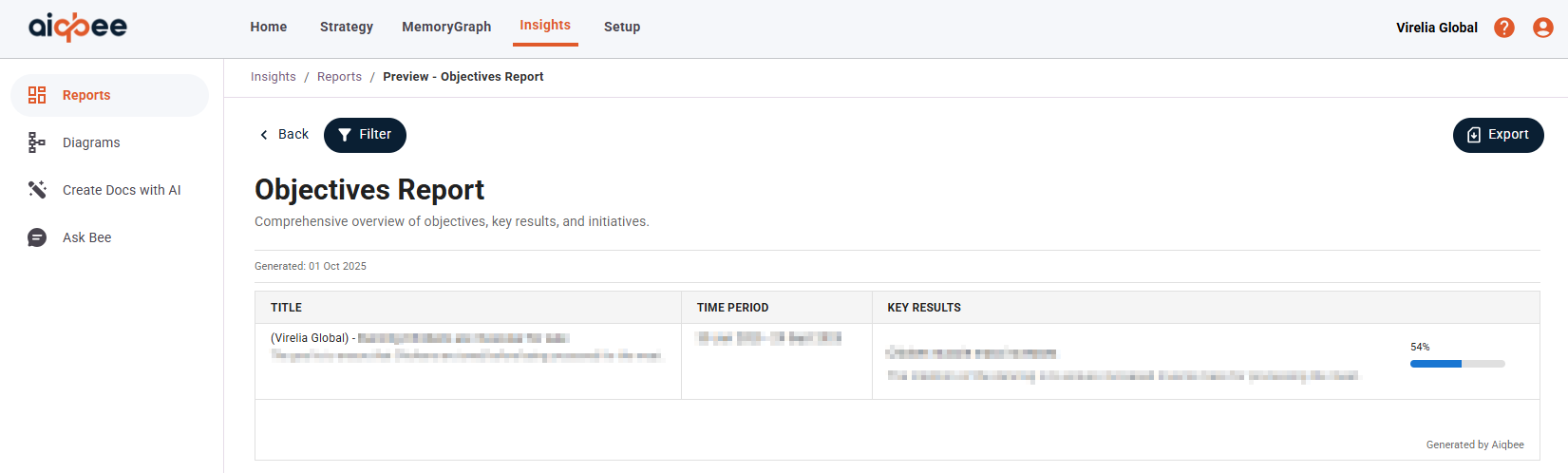
The Objectives Report provides a table of Objectives, Key Results, and Initiatives, showing Title, Associated Time Period, and Key Result summary and completion indicator.
From this view, you can Filter and select Start Date, End Date, Search by Objective Name, Filter to Organisation and the Time Period.
The Export function will allow you to generate a printer friendly version of the report.
Was this article helpful?
That’s Great!
Thank you for your feedback
Sorry! We couldn't be helpful
Thank you for your feedback
Feedback sent
We appreciate your effort and will try to fix the article